Tag Page
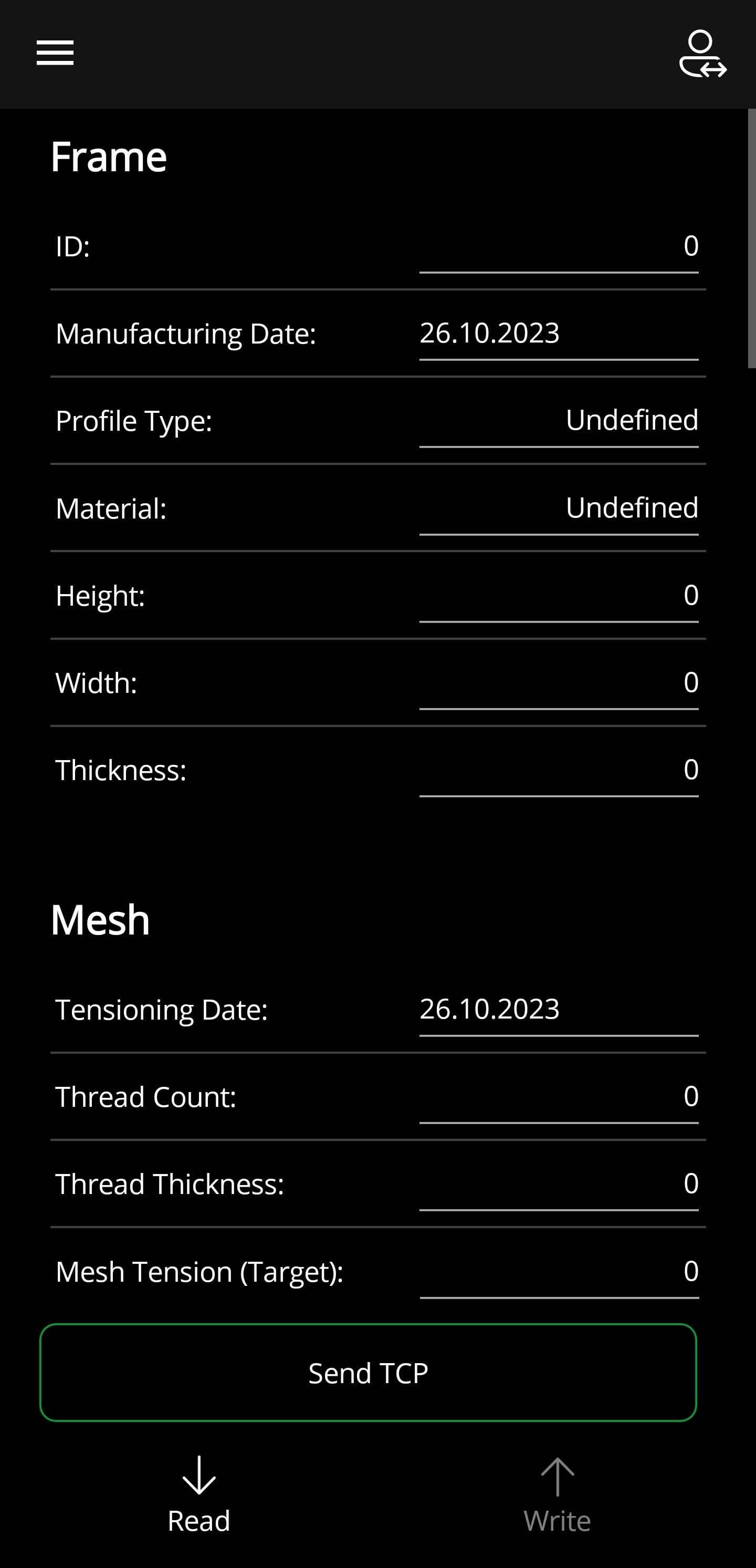
On this page, the RFID tags can be read, written and edited.
❗
The RFID tag must have at least 128 bytes of writable storage space
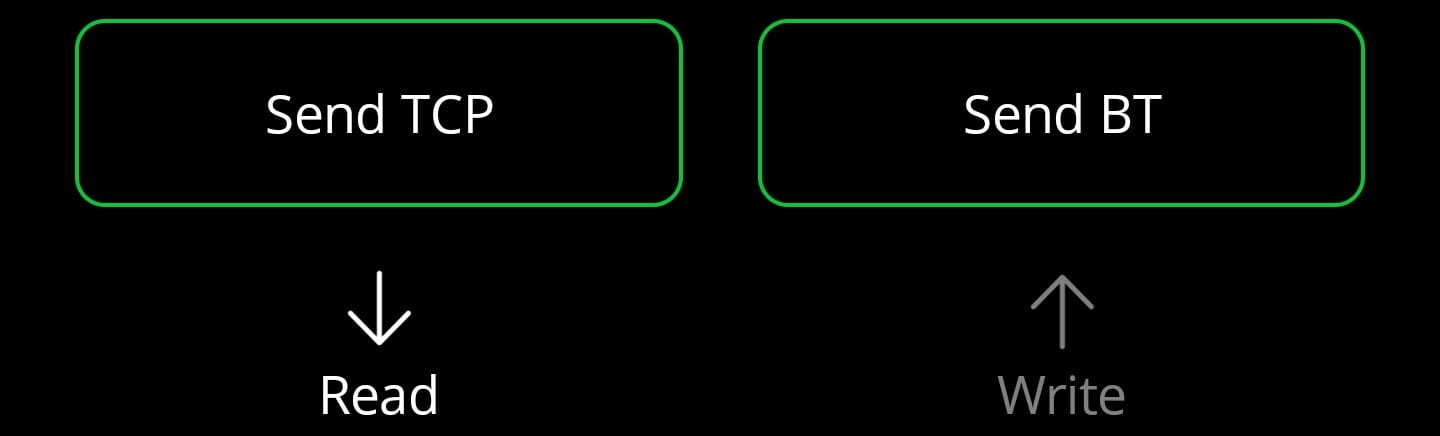
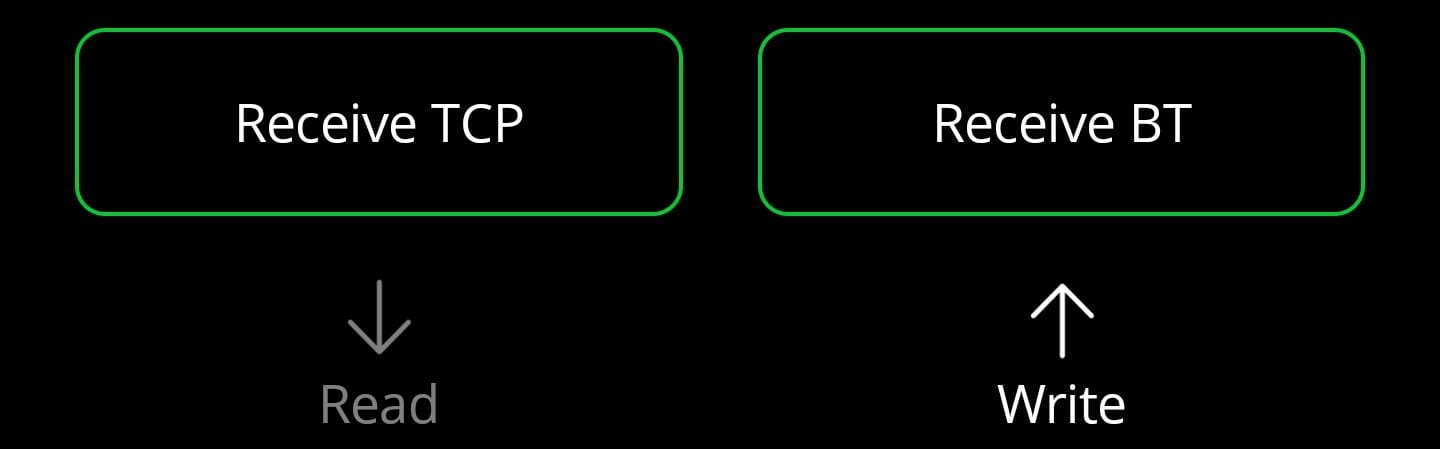
💡
Send/Receive buttons are only displayed if enabled in the settings
In the menu bar (bottom) you can select the different options (from left to right):
- Read RFID Tag
- Send data via TCP or Bluetooth to G-RFID (Windows)
- Write RFID Tag
- Receive data via TCP or Bluetooth from G-RFID (Windows)
Process (with G-RFID (Windows)):
- Read RFID tag
- Send data to G-RFID (Windows)
- Edit data in G-RFID (Windows)
- Retrieve data from G-RFID (Windows)
- Write RFID tag
Process (without G-RFID (Windows)):
- Read RFID tag
- Edit data
- Write RFID tag
💡
The same fields are available as in G-RFID (Windows)