Communication
💡
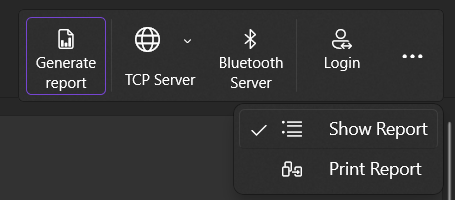
TCP Server is the recommended transmission type
TCP Server
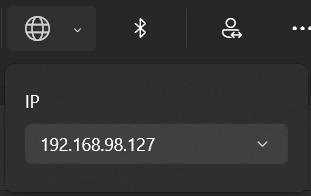
To use TCP Server, you must first select an IP that is assigned to this PC. It must be an IP that the Android application can access.
💡
If you have any difficulties, please contact your IT department
Now you can enter this IP address in the settings of the Android app and test the connection.
❗
To establish a connection to the TCP server, firewall rules must be added
Bluetooth
To use Bluetooth, the following must be considered:
- The PC must have a Bluetooth interface and must have it activated
- The smartphone that wants to connect must be paired with the PC
Now select the paired PC in the settings of the Android app and test the connection.