Settings
Application Settings
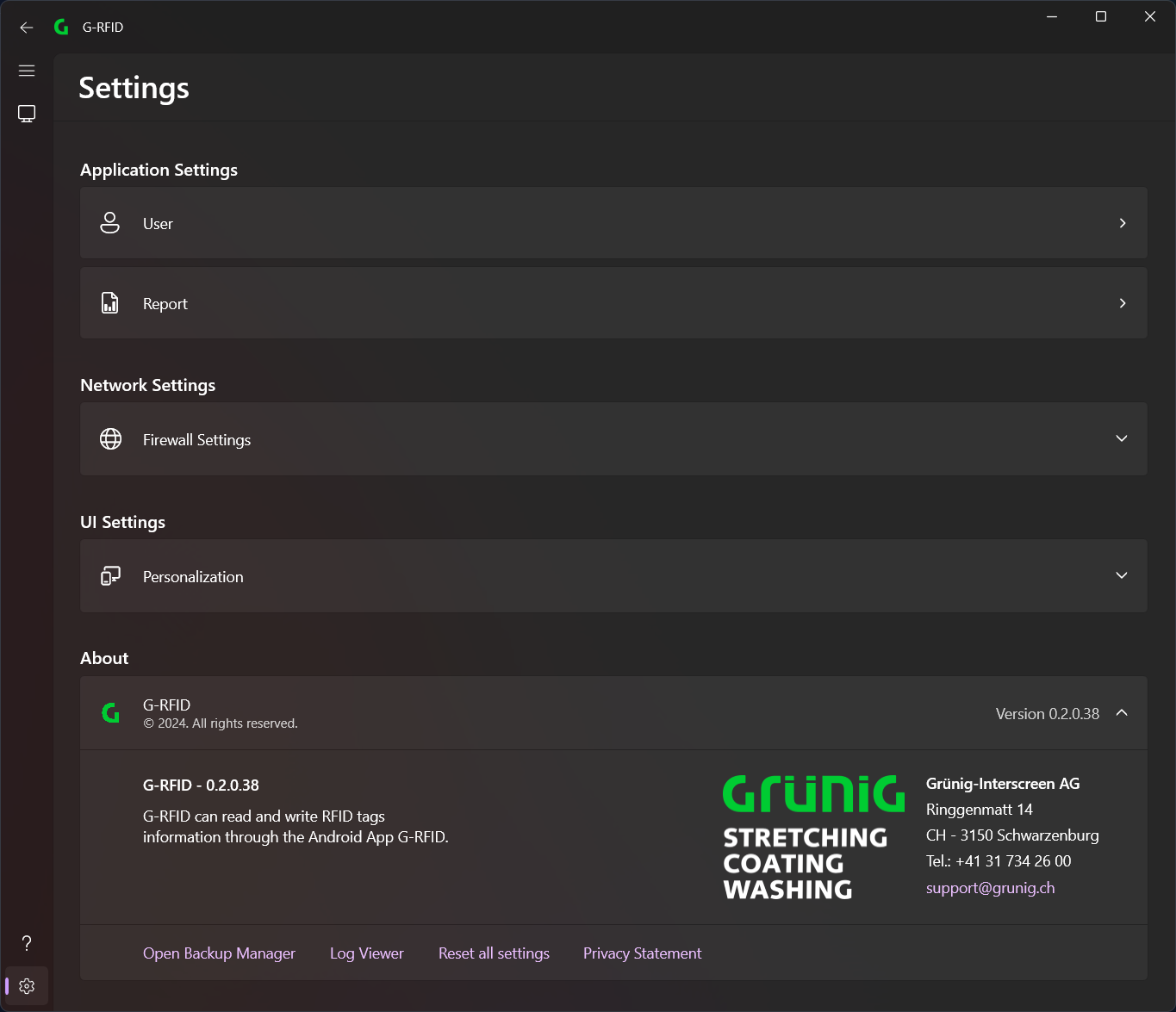
Under Application Settings you can adjust the various settings of the application.
Network Settings
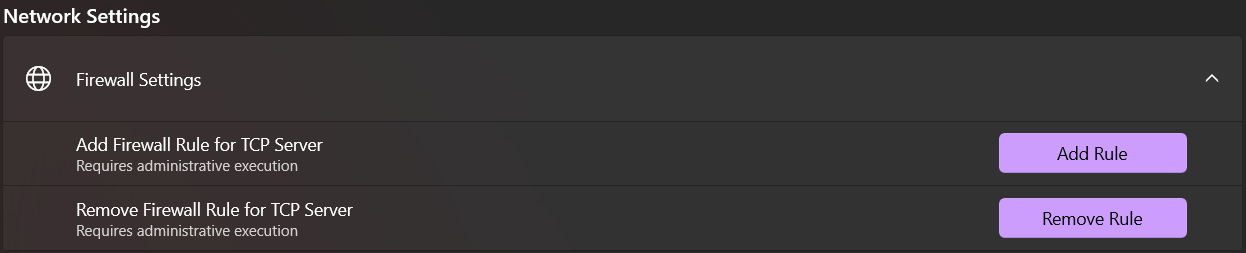
To connect to the TCP server, firewall rules must be added.
To add firewall rules through this application, the application must be run as administrator. This can be done by right-clicking the app icon in the Windows Start menu or in Windows Search and selecting Run as administrator.
Alternatively, you can create your own Windows firewall rule that allows all incoming connections on port 13133. (not recommended)
UI Settings

Here you can change the design and language of the application.
Advanced settings

Backup Manager
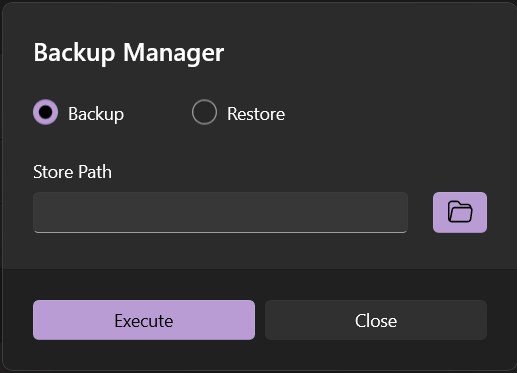
With the backup manager, all settings of the application can be saved/restored.
Log Viewer
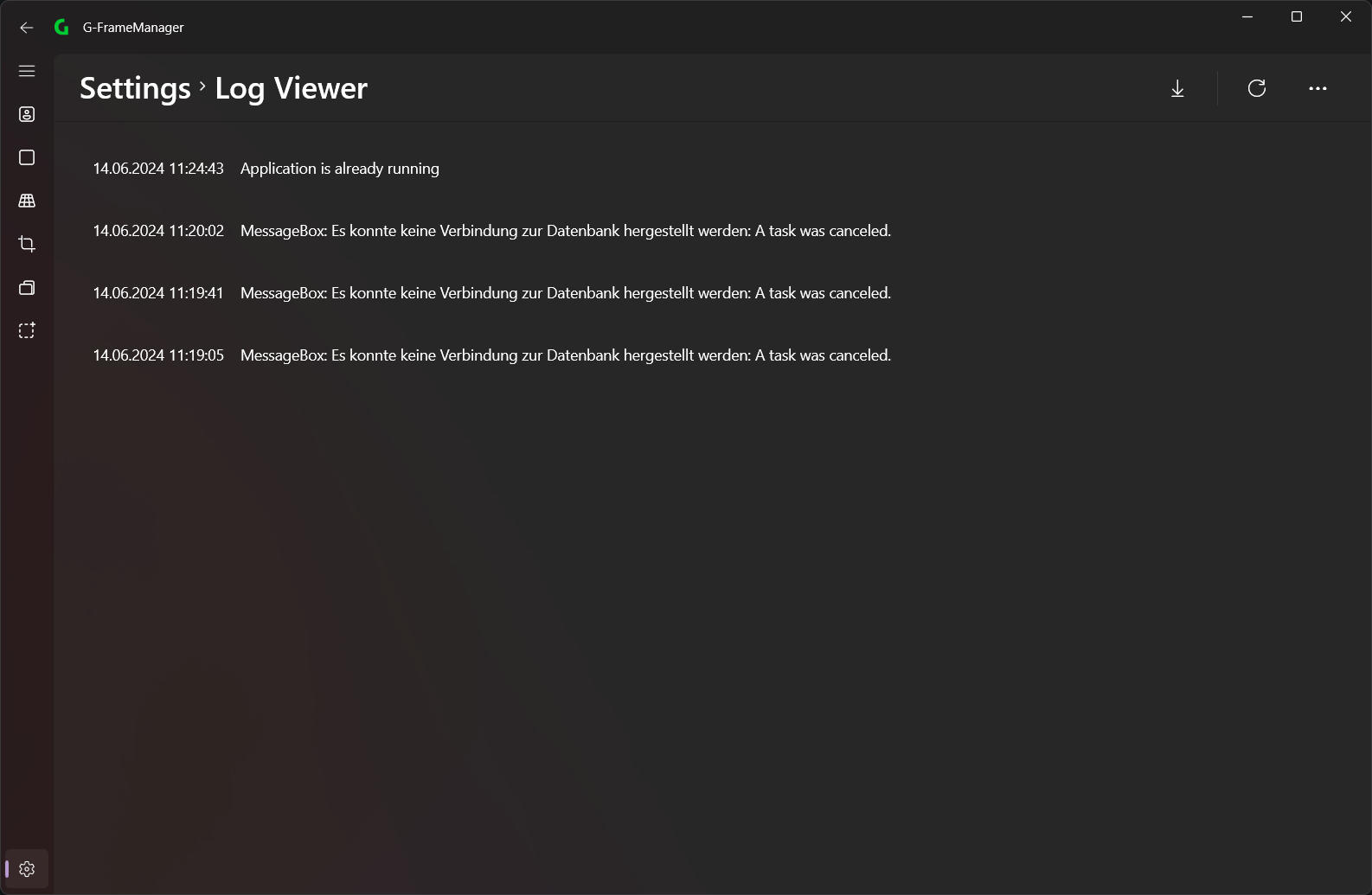
If problems occur with the application, they can be viewed in the LogViewer. These can also be downloaded to share with Grünig Support.
Reset all settings
This setting can reset all settings to default.