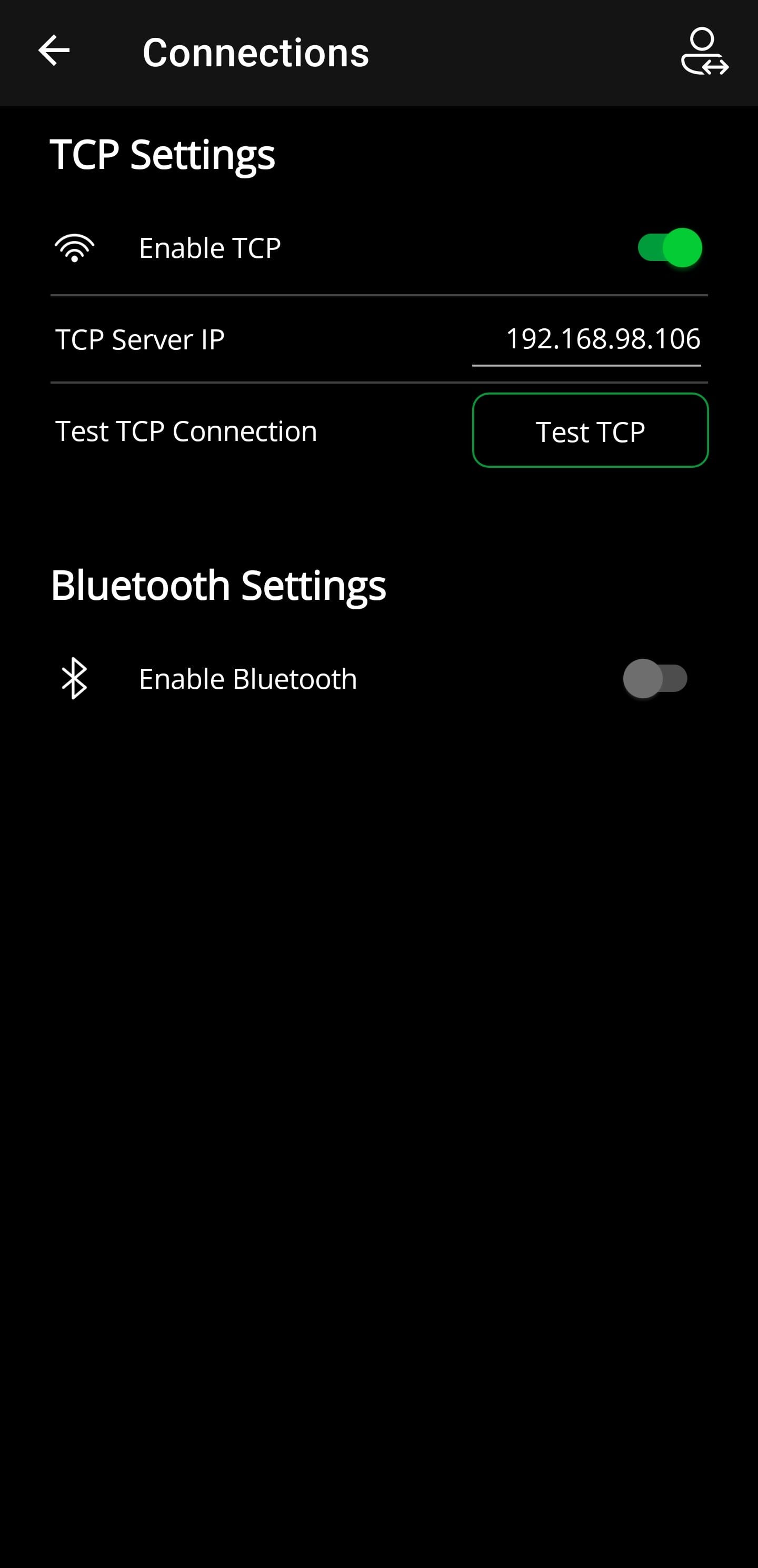
Connections
ℹ️
You must be logged in as Admin to change these settings
Here you can configure the communication between Android app and Windows app.
TCP Settings
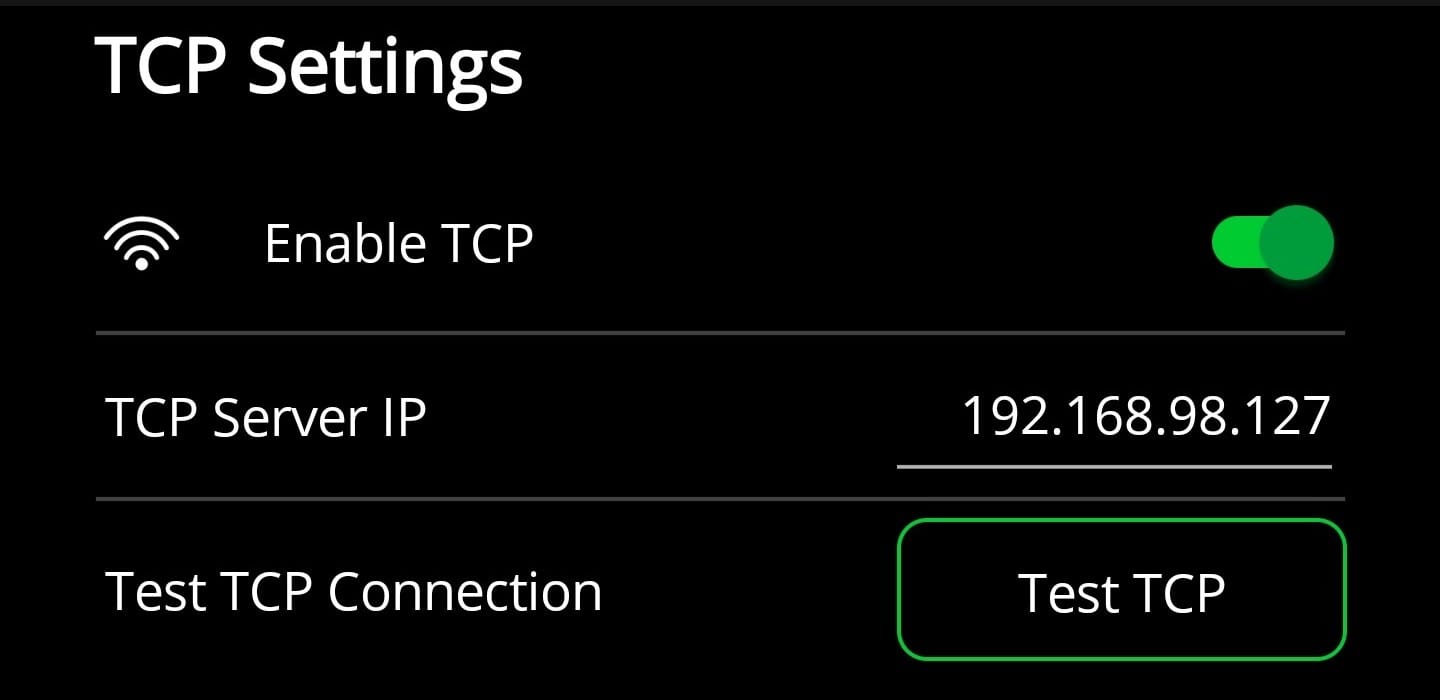
The TCP connection can be configured here.
The TCP Server IP must be the same as configured in the Windows app.
The connection can then be tested to see if communication between the Android app and the Windows app is working.
Bluetooth Settings
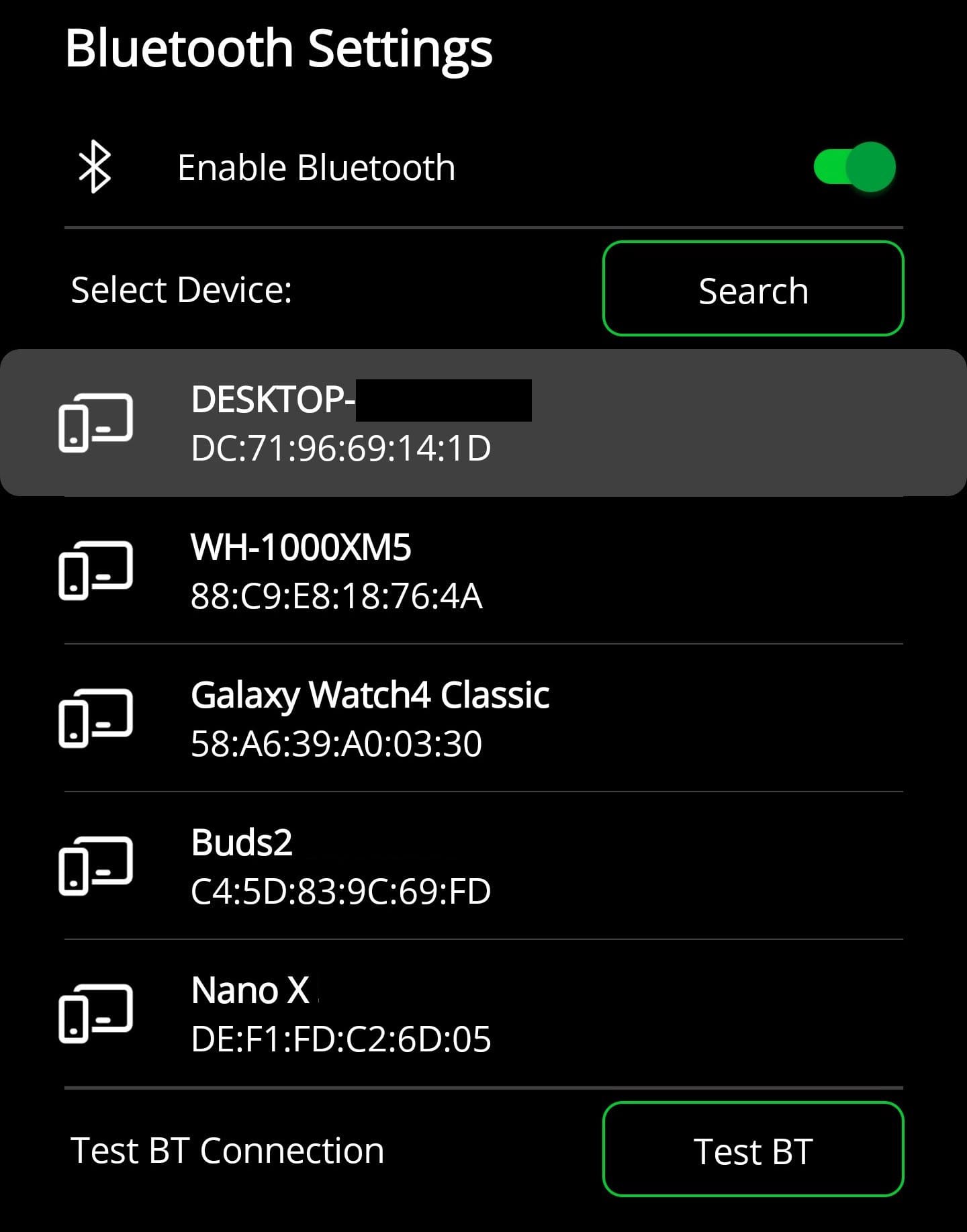
The Bluetooth connection can be configured here.
Then you can display all paired Bluetooth devices by pressing the Search button and you have to select the PC on which G-RFID (Windows) is running.
❗
The PC must have already been paired with the Android smartphone once so that it appears in the list when you click on the "Search" button.
The connection can then be tested to see if communication between the Android app and the Windows app is working.